Support
Clear annotations in screenshots instead of long text explanations.
Freeshot combines capture, editing, and management. Ideal for support, QA, and product documentation.
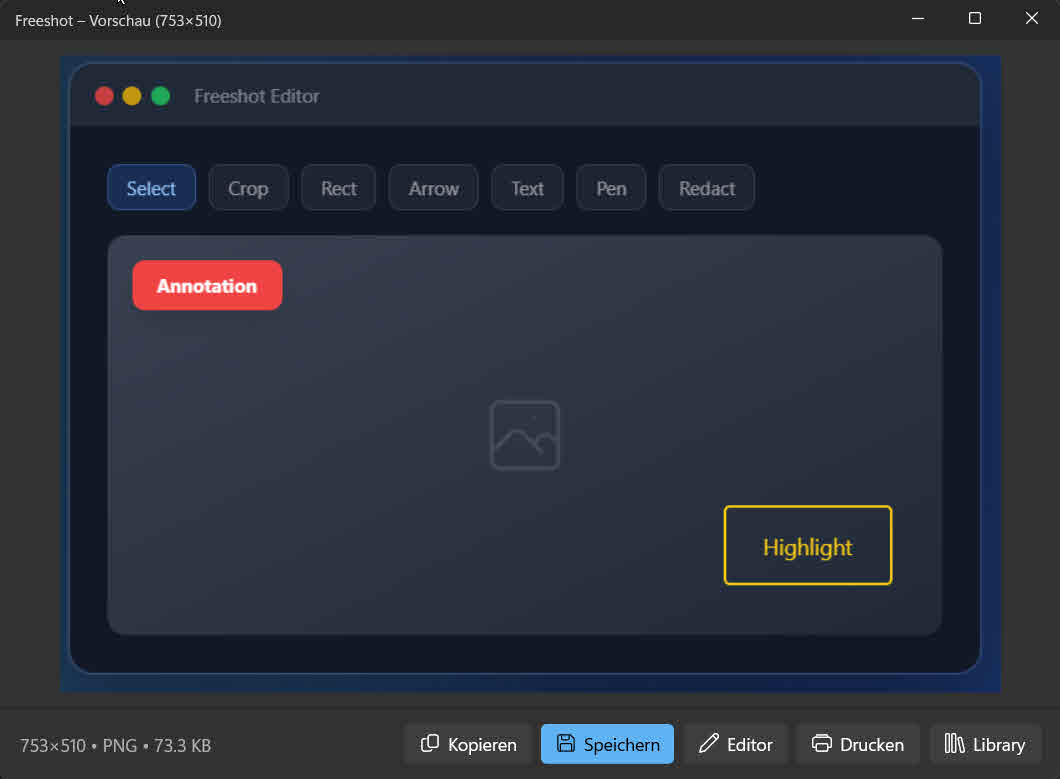
If your team communicates visually every day, Freeshot saves time and reduces misunderstandings.
Clear annotations in screenshots instead of long text explanations.
Document bugs faster and communicate them in a reproducible way.
Handle internal docs and feature feedback visually and efficiently.
Many teams need more than a tool for one-off screenshots. A modern Greenshot alternative should deliver speed, strong annotations, and clear organization of captures for daily communication.
Freeshot combines these requirements in one workflow. After capturing, you can annotate, comment, export, and later find the result in the library. This reduces friction and improves feedback quality across teams.
This is especially relevant in support, QA, and product development. Instead of repeatedly explaining the same issue, one precise annotated screenshot often does the job. Fewer follow-up questions, faster decisions.
Both capture regions, windows and the whole screen, and both come with an editor. The differences sit next to that — in what happens after the capture.
| Aspect | Freeshot |
|---|---|
| Editing annotations later | The .freeshot format stores arrows, text and markers as separate objects. A year later you can move that arrow instead of retaking the screenshot. |
| Stacking images | An image from the clipboard drops onto the capture as its own layer with Ctrl+V — movable, resizable, with outline and opacity. |
| Updates | Signed with an EV certificate and automatic. Windows does not report an unknown publisher. |
| Installation | MSIX for a regular install, or a portable ZIP that runs without installing — on a machine without administrator rights, for instance. |
| Systems | Windows 10 and 11 only. For macOS or Linux, Freeshot is not the right choice. |
Looking for an alternative does not mean the current choice was wrong. Three reasons still speak for Greenshot — if you need them, stay with it.
Freeshot pays off where captures are not just taken, but found again and edited later.
Beyond capture, teams need a capable editor, strong export options, and a library for efficient daily workflows.
Yes. The interface is clear and supports fast results without complex setup.
Screenshots can be found later, reopened, and updated when needed—ideal for recurring processes.