1. Capture
Capture the step as region, window, or fullscreen.
Freeshot helps you explain complex steps visually and clearly for onboarding, support, and internal documentation.
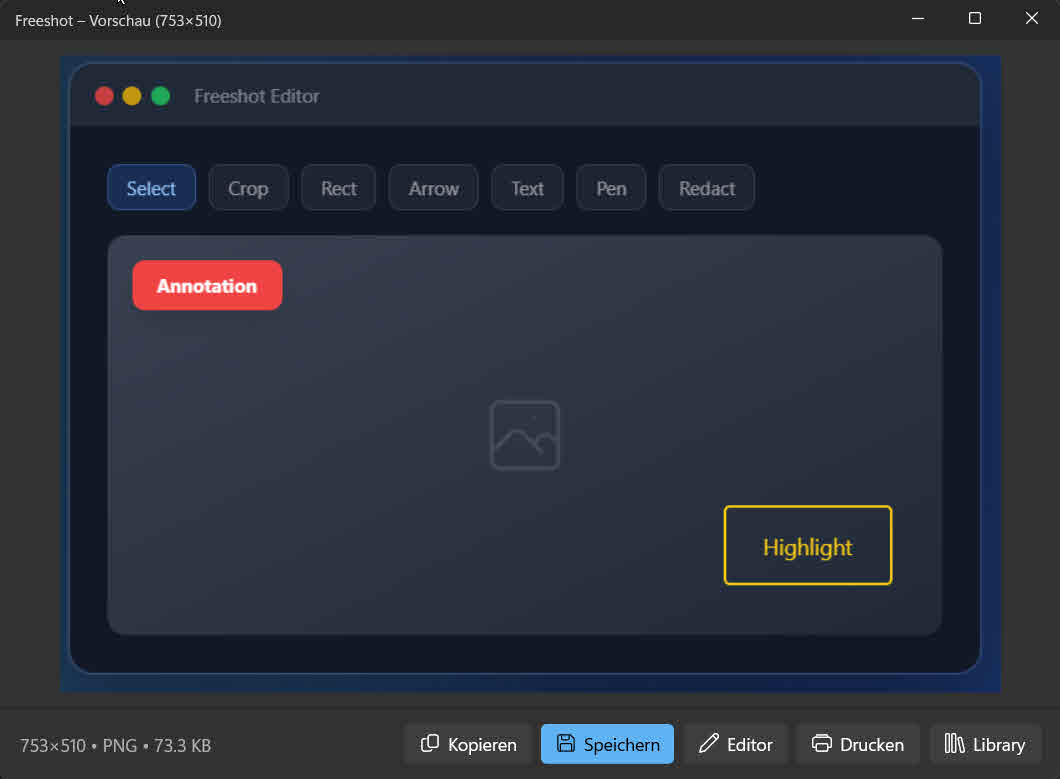
Annotated screenshots show users exactly what to do. This reduces misunderstandings and saves support time.
Capture the step as region, window, or fullscreen.
Highlight key actions with text, arrows, and shapes.
Export in the format your knowledge base needs.
Find screenshots in the library and update them.
In many teams, follow-up questions happen because of missing clarity, not missing content. When guides are text-only, users interpret steps differently. Visual hints in screenshots remove ambiguity and lead to faster outcomes.
Screenshot tool for Windows 11
With Freeshot, each step can be explained directly in the image: where to click, which input matters, and which UI elements can be ignored. This makes onboarding docs, help center content, and internal SOPs much easier to understand.
The biggest advantage is reusability. Existing captures can be found and updated in the library instead of rebuilding guides from scratch after every small change. Content stays current while maintenance effort drops.
Onboarding guides, support instructions, process documentation, and feature explainers gain clarity from visual step-by-step hints.
As detailed as necessary, but as brief as possible: highlight key elements and one core action per step.
Yes. Screenshots can be reopened in the library, edited, and exported again.